




















.svg)










.svg)



















.png)
.png)
Why use a transform map?
Transform maps provide an easy way for users to import data from a data source onto a specific target table; the setup is easy because the data can only be transformed into one target table in one transform map.
Why use a robust transformer?
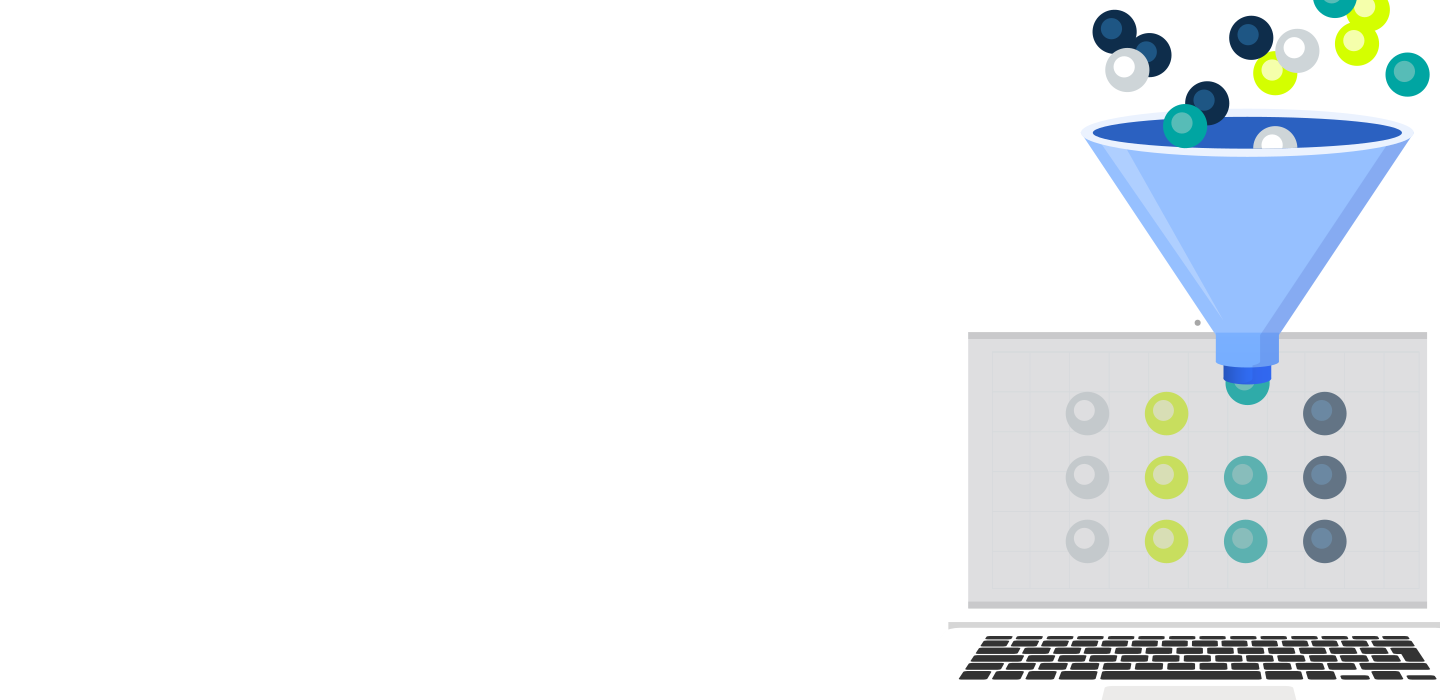
ServiceNow separates the data load's processing and transformation functions, allowing for more configuration options and the ability to transform data from the source to multiple target tables using only one read operation.
How do we leverage robust transformers?
Robust transformers are leveraged in ETL definitions, and the easiest way to set one up is through IntegrationHub ETL, which is on the ServiceNow store. More documentation can be found here. This module provides a nice UI to create a robust transformer and also helps to debug pre-existing ETL transform maps.
Steps
1. Upon selecting “create new,” you will be presented with a UI to select a data source, discovery source, and CMDB Application name. ServiceNow will auto-pull the data source’s latest import set unless you select otherwise.
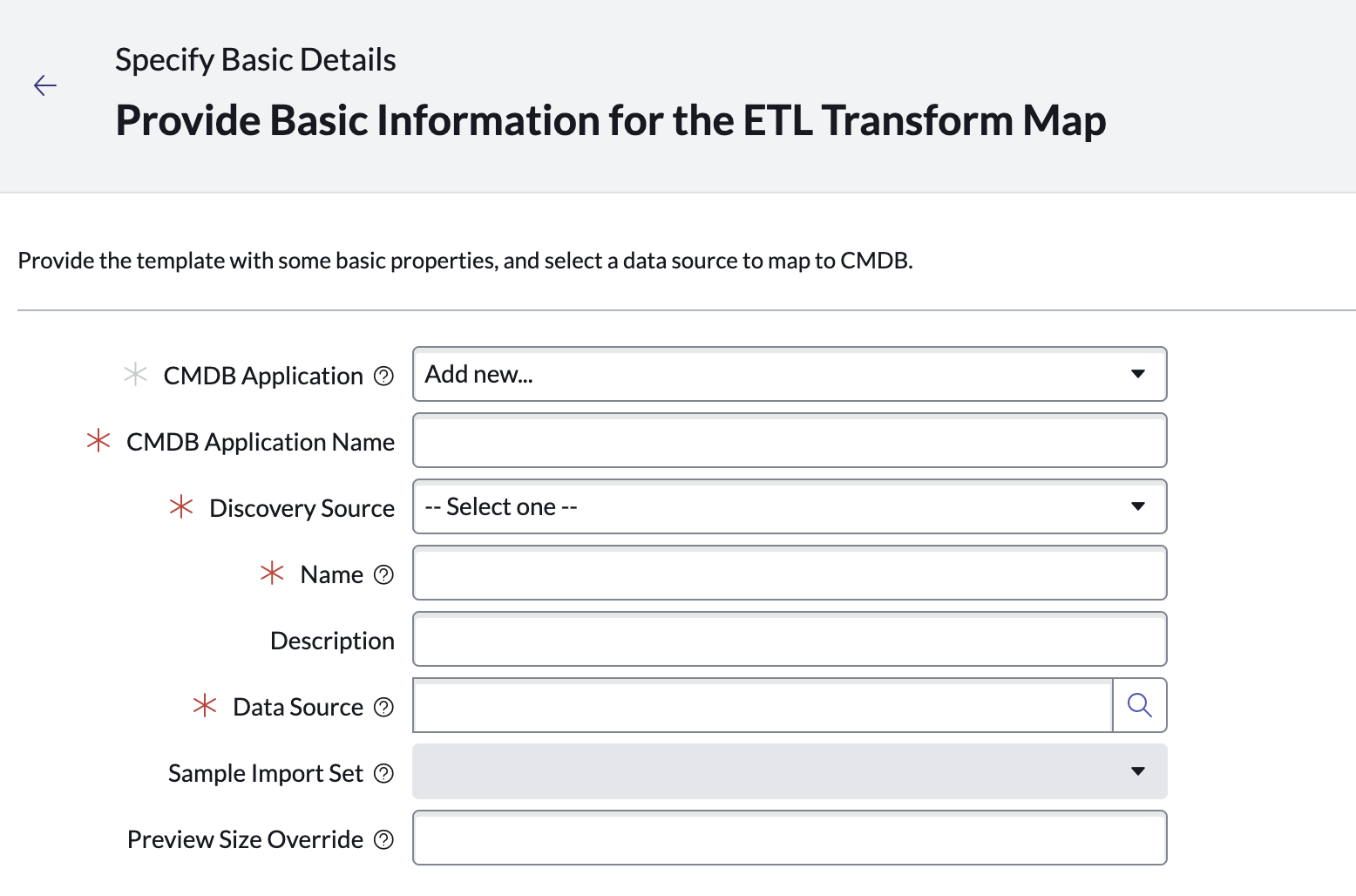
2. The following section is part of the processing step where we process the import set data and place some preliminary transforms on that data.
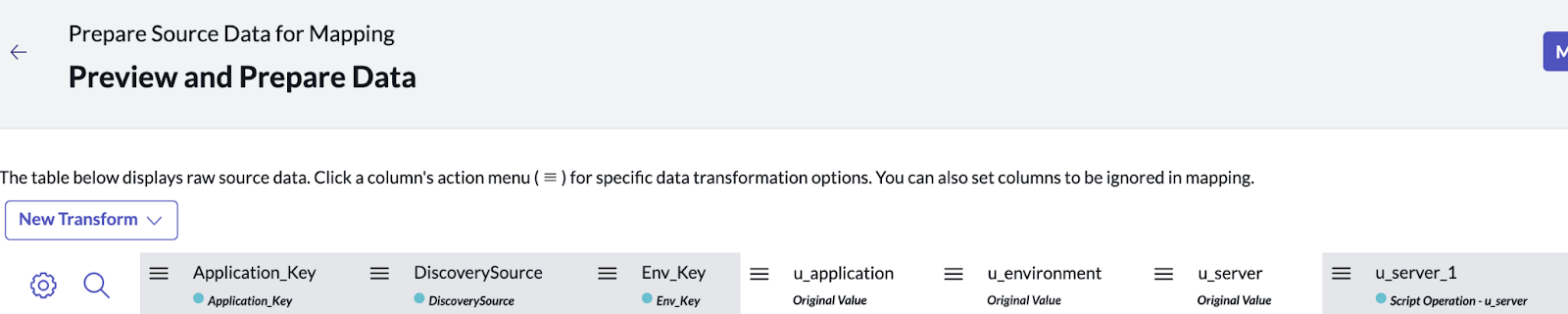
The columns marked in white are the original values from the import set and the grey ones are newly transformed columns where we took data from the original import set and created new columns of data. These transforms can be as simple as a CI lookup or could be a custom script.
3. Once that data is transformed, we can map it to the proper resulting child tables.
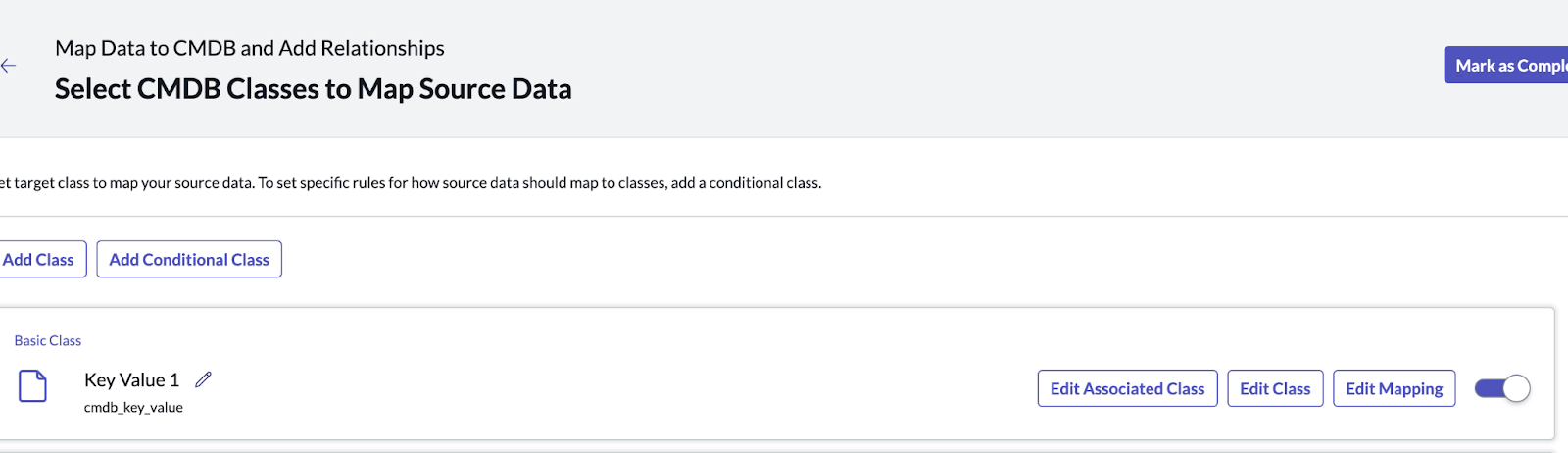
In this scenario, we mapped the values from the previous step's table to the Key Value table. In this step, you can also create relationship mappings between the target entities.
4. The final steps involve testing the definition you just made. When the test finishes running, you can either choose to keep the created CIs/relationships or roll them back and make additional modifications. Finally, you can choose to create an import schedule for the ETL definition.
Interested to learn more? Reach out to our team at chat@rapdev.io.
.svg)