




















.svg)











.svg)




















.png)


What is Discovery?
Discovery is a plugin application from ServiceNow that runs on your ServiceNow instance. Once installed and configured properly, it can scan your network at scheduled times or triggered by events. It can scan your local on-prem network, or cloud based environments like AWS, Azure, etc…to identify and add these devices as CIs (Configuration Items) into your CMDB. What is a CMDB (Configuration Management Database), it is a core set of database tables that hold hardware, software and managed services records for your organization. At RapDev our expert Engineers will take the guesswork out of your CMDB & Discovery deployment. We would love to assist with talking to ServiceNow stakeholders, and IT management and networking teams in your organization.
How does Discovery really work? Give me the details…
Discovery utilizes a server that is setup in your IT infrastructure environment. It securely communicates to your ServiceNow instance. This server waits for events to come from your ServiceNow instance. In a new deployment scenario we would configure a Discovery Schedule to scan your network on the most common ports on a preset range of network addresses. As it scans these network addresses and ports it will see which ports it gets a response from and will attempt to login to each device with preconfigured credentials from your IT and Network Administrators teams. If it is successfully able to login to the device, it runs a set of scripts that identifies and extracts data about each device. For example on a Windows Server it will pull Host Name, Manufacturer, Model, Serial Number, CPU, RAM, Network Adapters (IP Addresses and MAC Address), Disks and Disk % Free Space, Installed Programs and Program Versions, and many more data points. As it identifies all of this data it either creates a new CI (Configuration Item) record or updates an existing CI in your CMDB which you can link to Hardware Assets.
Why should I care, and what benefits will I see to my organization?
If you are not currently utilizing the CMDB and Hardware Asset Management you are missing out on important functionality and reporting, that could save your organization a lot of time and money in lost efficiency. If you are using the ServiceNow CMDB and not using Discovery your data is typically waiting on weekly exports or imports from another source, or an employee in your organization to update these CI records manually. Your data is dead data even before it is imported into the CMDB. In both of these situations it causes delays in your IT asset management and reporting, which in turn can cause delays to your Change Management process if these CIs are not kept up to date.
Running at least a daily Discovery Schedule will give you a Most Recent Discovery data point that can tell you when the last time this CI was detected online by Discovery, and all changes in hardware or software are also recorded. If Discovery has a shared credential from a group of similar devices, newly provisioned devices are automatically added to your CMDB and are available to be used on Change Requests as soon as they are discovered. This is a great way of automating your daily or weekly tasks for IT inventory management, and allowing your team to work from a source of truth when reviewing and approving Change Requests. Having a properly configured CMDB, and Discovery is a foundational stepping stone into getting your organization ready for ServiceNow Service Mapping and Event Management. Thank you for your time reading this article. I hope you will let RapDev help you unlock the next level of workflow automation for your organization.

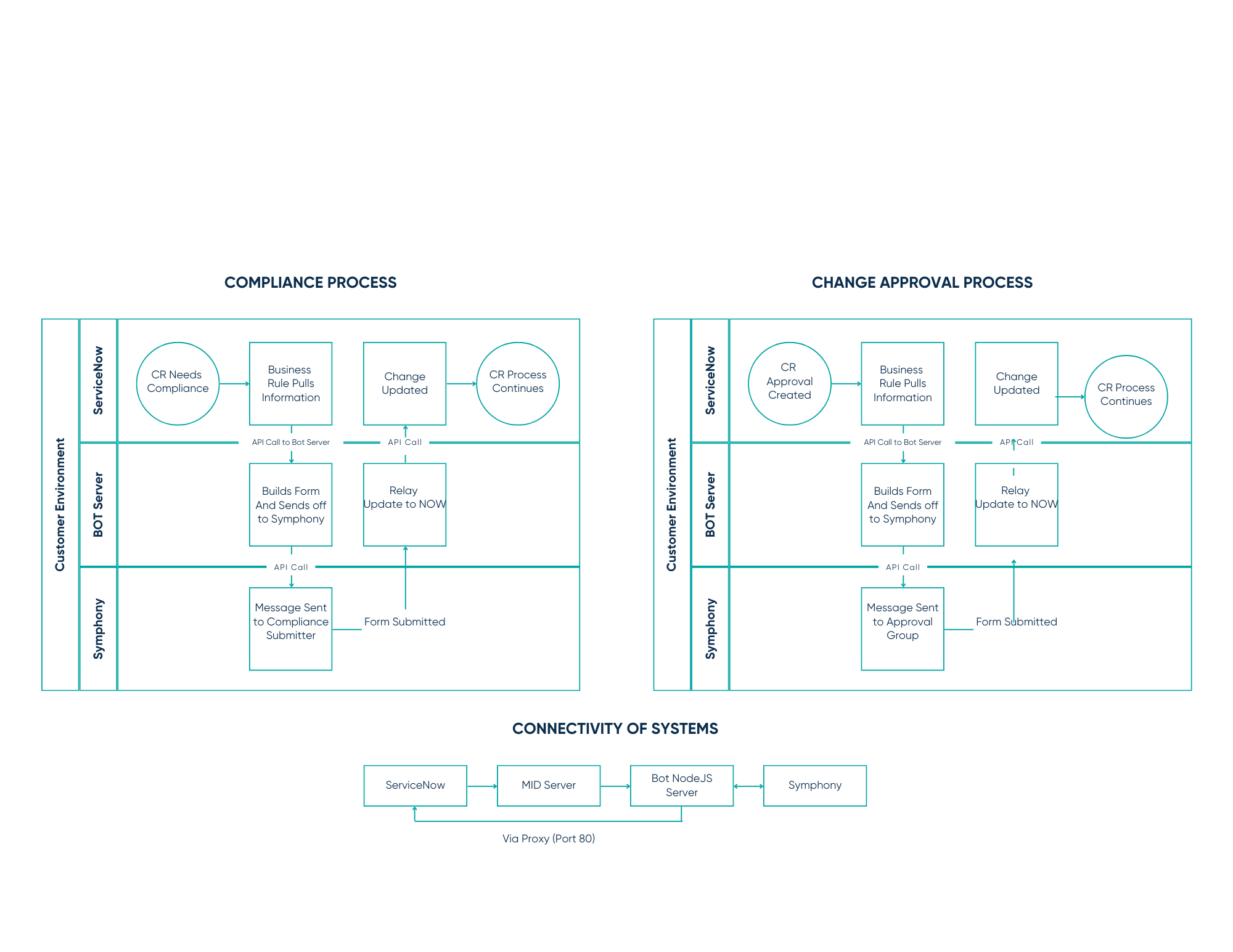
Discovery Architecture Diagram